 |
| |
| |
| |
| |
| |
| Everyone you know probably doesn't have a podcast, it just seems like that. |
| But if you're reading this, you've probably wondered about just how hard, or easy, it might be to launch your own podcast. |
| You may have heard that Monday is International Podcast Day, To celebrate, perhaps you can start podcasting too. |
| Because it's never been easier. You can record a podcast on your phone, laptop or desktop, add some theme music and do a quick edit, and be up on Spotify and other platforms within minutes. |
| It will cost you anywhere from $50 on up to buy gear to record your show, but the tools for distribution, which used to be costly, are now free, thanks to Spotify's 2019 purchase of the podcasting app and website Anchor.fm. |
| More: Spotify upgrades Family plan subscription, rolls out parental controls for music service |
| More: Apple Arcade: This is what will make the subscription service a winner |
| More on that in a minute. Before we get into gear, we want to start at the end, with publishing, because that's what's changed dramatically, for the better. |
| In the early days of podcasting, to get a show onto major podcast platforms like Apple Podcasts required an laborious method of submitting, including going out and finding a place to "host" your show. |
| Libsyn, for instance, charges $5 monthly, and only allows 50 megabytes of storage, meaning that if your show starts attracting lots of listeners, you're going to pay more. Libsyn says if you upload an hour show monthly, that would put you in the $15 monthly bracket. |
| Anchor.fm is free. No hosting or storage charges. And like Libsyn, Art19 and other distributors, it will take your podcast and push it out to other platforms, like Spotify, Apple Podcasts, Google Podcasts and Stitcher. |
| As a really quick test, I pulled a quick audio interview with my mom, posted it to Anchor, and within a few days, had the podcast on Spotify, Breaker, Google, RadioPublic and Breaker. |
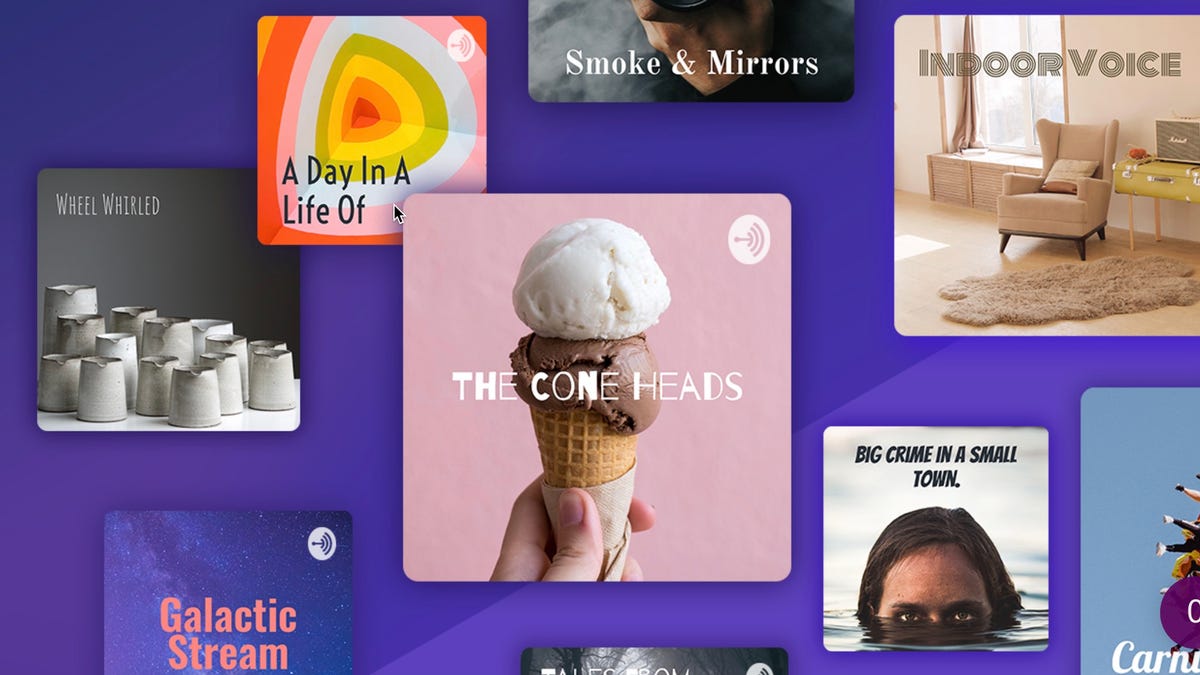
| The entire process took just a few minutes. First, I titled the podcast "The Jefferson Graham Interview" (I already do the Talking Tech podcast), and created a 600 x 600 image in Photoshop to use as cover art. |
| For those without access to Photoshop, free programs like GIMP and Pixlr Editor can also be used. Additionally, Anchor has tools to use on its pre-made templates. |
| After uploading the art and audio file, I wrote a headline and description, and found, to my surprise, that the show was available on Anchor and Spotify instantly. |
| Now let's go backwards. |
Your first podcast |
| Most first podcasts are interview programs, because talking into the microphone by yourself for hours on end just isn't something most of us can do. Plus, who wants to listen to us to rant? |
| If you're feeling more ambitious, and want to do a news/documentary series, a live talk show with multiple guests or a historical look back at the history of music, you're reading the wrong article. Those will take multiple people to be involved in the production, more elaborate gear, access to tape libraries, legal clearances and the like. |
Microphones |
| If you're on a low budget, pick up two USB mics (of different manufacturers) to go directly into your computer, or get one and have your guest sit very close to you, so that you are sharing the mic. |
| The Blue Microphones $50 USB snowball mic is great, and so is the Samson Q2U, which is just under $60. The website ThePodcastHost recommends the Samson as it can be used for both USB and the more professional oriented XLR, which means it can plug into cameras and higher end audio recorders. That's something most USB mics can't do. |
Software |
| For a simple interview, you can record directly into the computer, using programs like Audacity on Windows or Garage Band on Macs. |
If you want to do a talk show |
| And have multiple guests, you'll need a mixer for the various voices. On the low end, you could pick up a Yamaha MG10, which sells for just over $150. On the high end, if you've got $600 to spare, the Rode Procaster is the best mixer we've come across. It has inputs for 4 XLR microphones, can also connect to Bluetooth and record smartphone conversations in the midst of a podcast. You can plug the unit directly into your laptop and record the sound that way, or directly onto a micro-USB memory card in the unit. And the sound is stellar. |
| Readers: any questions about podcasting? We're here to help. Reach out to me on Twitter, where I'm @jeffersongraham |
| |
| MOST SHARED USA TODAY ARTICLES |
| |
| |
| |





No comments:
Post a Comment